Working professionals and college students in India preparing for government or admission exams who need to strengthen their basic math abilities.
How it works
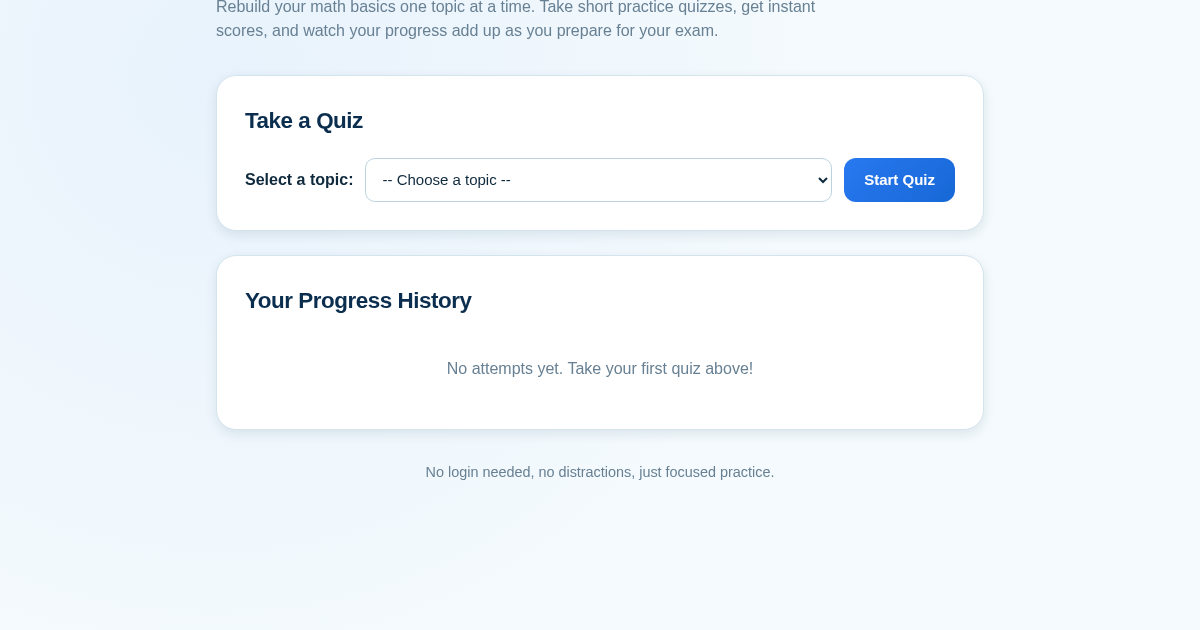
- Select a foundational math topic from the dropdown menu.
- Click Start Quiz to see a fixed set of three questions.
- Enter your answers in the provided fields and click Submit.
- View your instant score and the updated history list showing all past attempts.
What you gain
- Instant scoring after each quiz submission
- Progress history saved across sessions
- Focused practice on specific topics
- No login or setup required
- Simple, distraction-free interface
Screenshot
Technical details
How to set up & use
- Buy the license — your key (lic_...) appears on the order page and in your email.
- Sign in at app.synoriaai.com with your license key.
- No installation — the product runs in your browser, on your own isolated instance.
- 1. Open the Math Foundation Quiz Tracker homepage.
- 2. Choose a topic (like Percentages) from the dropdown menu.
- 3. Click 'Start Quiz' to begin a short practice quiz.
- 4. Enter your answers in the provided fields for each question.
- 5. Click 'Submit' to see your score instantly, and check your history on the homepage to track progress.
Frequently asked questions
Is my quiz history saved if I don't log in?
Yes, your quiz history is stored locally in your browser, so you can see your past scores without needing an account.
Does this tool cover topics beyond percentages, ratios, and averages?
Currently, it focuses on foundational topics like percentages, ratios, and averages. Other topics may be added in the future.
Can I retake a quiz to improve my score?
Yes, you can retake any quiz as many times as you like. Each attempt is recorded in your history, so you can see your improvement over time.
Related products
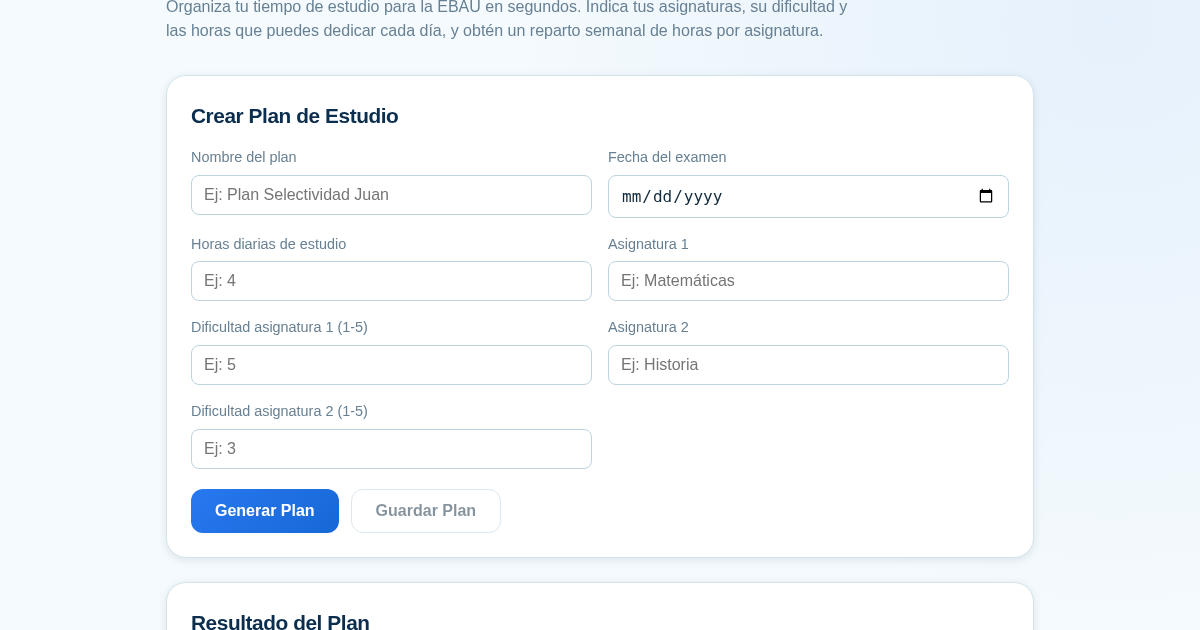
Planificador de Estudio para la EBAU
Organiza tu tiempo de estudio para la EBAU en segundos. Indica tus asignaturas, su dificultad y las horas que puedes dedicar cada día, y obtén un reparto semanal de horas por asignatura, guardado para que siempre puedas…
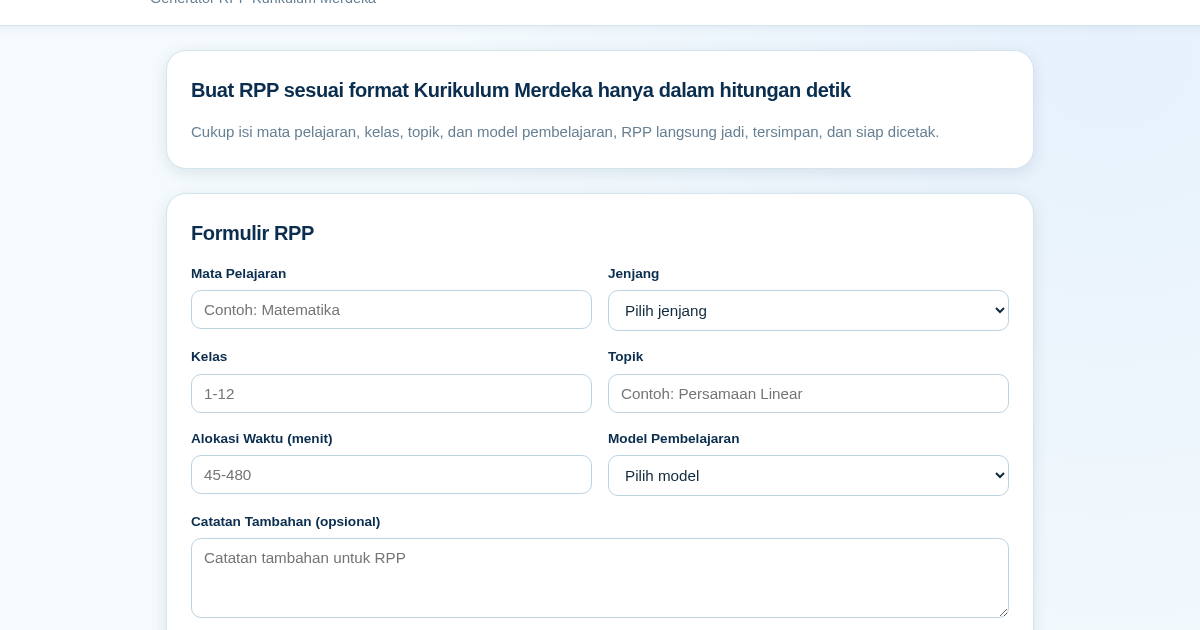
RPP Instan – Generator RPP Kurikulum Merdeka
RPP Instan membantu guru di Indonesia membuat Rencana Pelaksanaan Pembelajaran (RPP) sesuai Kurikulum Merdeka dengan cepat. Guru cukup mengisi formulir singkat, dan RPP langsung tersusun otomatis sesuai struktur yang…
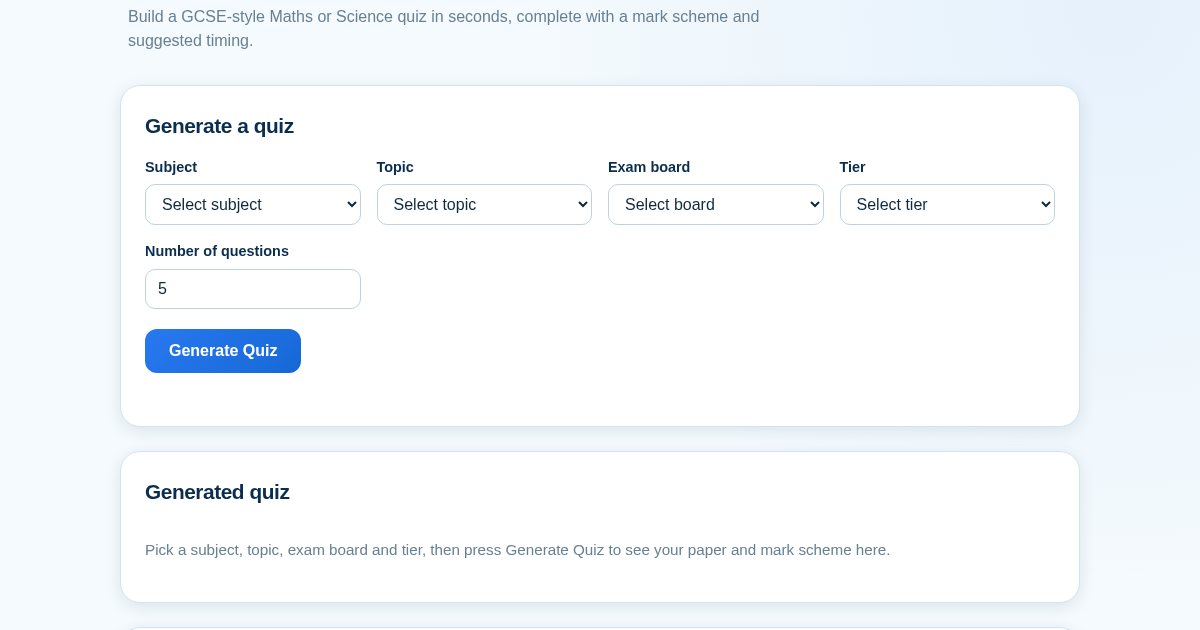
GCSE Quiz Generator for Teachers
GCSE Quiz Generator helps UK secondary school teachers and private tutors quickly create GCSE-style Maths and Science quiz papers from a built-in question bank. It automatically provides a mark scheme and suggested exam…
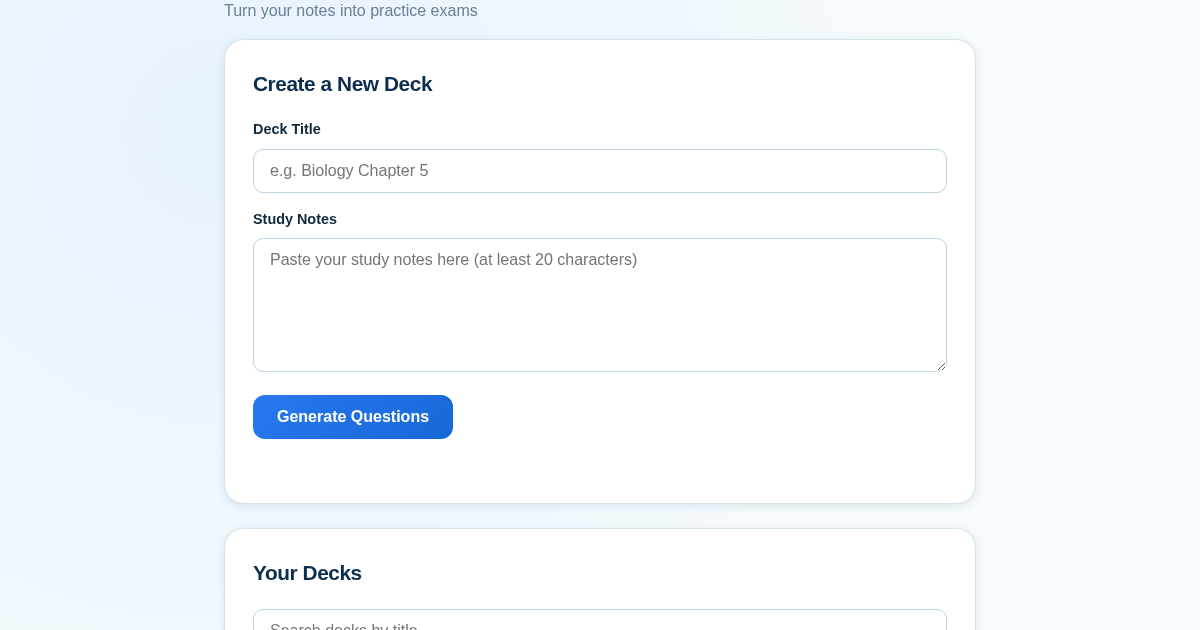
ExamGenius — Turn Your Notes Into Practice Exams
ExamGenius turns pasted study notes into practice quiz questions and schedules reviews using a spaced-repetition algorithm so learners retain material longer. Users paste notes, generate a question deck, self-grade…